The All-In-One Turbo Downloader, Fast Browser & Private Vault
Experience parallel multi-threaded file downloads, built-in ad blocking, 4K media playback with swipe gesture controls, and hardware-backed biometric security. Zero telemetry. Zero bloat.
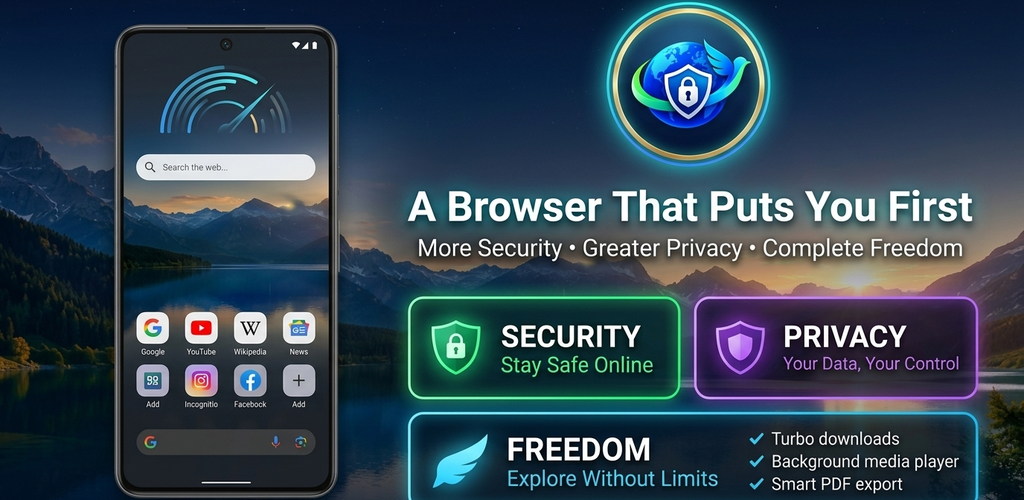
Everything You Need in a Modern Android Browser
Designed from the ground up in Kotlin and Jetpack Compose to deliver uncompromised speed, media playback, and unbreakable local privacy.
Turbo Download Accelerator
Dynamic multi-threaded chunking breaks large files into concurrent segments using high-speed non-blocking NIO FileChannels.
- ✓ Automatic resume across network reconnects
- ✓ Reliable Foreground Service notifications
- ✓ External link sniffer & floating overlay
Native Ad & Threat Blocker
Blocks intrusive trackers, popups, and malicious redirect scripts at the network level for clean, lightning-fast browsing.
- ✓ Speculative DNS pre-warming & pre-cache
- ✓ Harmful APK and executable detector
- ✓ Zero battery drain from background ads
Media3 4K Player & Casting
Integrated ExoPlayer with vertical swipe gesture controls for brightness and volume, Picture-in-Picture (PiP), and DLNA/Screen Cast support.
- ✓ Swipe right for volume, left for brightness
- ✓ Background audio playback with lock screen media
- ✓ Wireless screen casting to Smart TVs
Biometric Private Vault
Keep confidential downloads, media, and passwords hidden from phone galleries inside an AES-256 GCM encrypted sandbox.
- ✓ Fingerprint and facial biometric authentication
- ✓ Local hardware Keystore backed encryption
- ✓ Secure credential manager with auto-fill
Mobile DevTools Suite
Full desktop-grade developer tools in your pocket. Inspect HTML DOM elements, monitor network requests, and view console logs on the go.
- ✓ Live DOM tree inspector & style editor
- ✓ Network waterfall requests monitor
- ✓ Built-in SEO diagnostic score report
On-Device AI & Safe OTP
Harness Google ML Kit on-device text recognition for offline CAPTCHA assistance and safe SMS consent OTP verification.
- ✓ On-device ML Kit OCR (zero cloud transmission)
- ✓ Privacy-friendly User Consent SMS reader
- ✓ Encrypted Google Drive bookmarks backup
Download Faster. Resume Anywhere. Never Lose Progress.
Standard mobile browsers fail when downloads disconnect. RBD Browser implements a desktop-class parallel range download engine that pre-allocates file storage and downloads independent byte segments concurrently.
Whether downloading large open-source datasets, high-definition videos, or system archives, RBD Browser’s dedicated Foreground Service keeps your transfer running reliably even when you switch apps or turn off your screen.
Test the Accelerator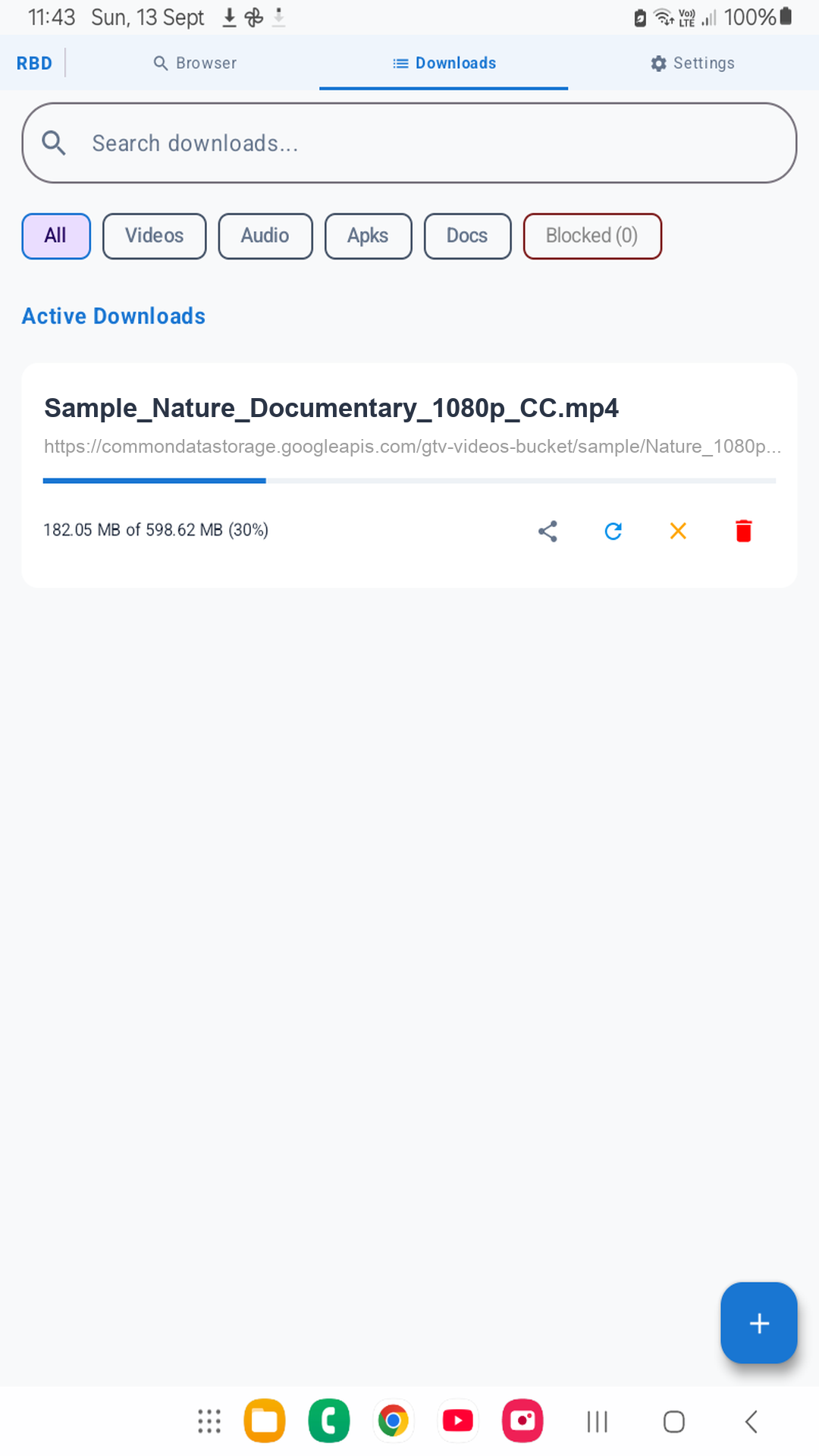
Cinema-Quality Playback with Intuitive HUD Gestures
Enjoy uninterrupted 4K streaming and local playback without separate media apps. RBD Browser features vertical edge swipe controls: swipe the right side to adjust volume, and swipe the left to adjust screen brightness instantly.
Pop out your video into Picture-in-Picture (PiP) to multi-task, or lock your phone and continue listening via background audio playback with full notification controls.
Learn More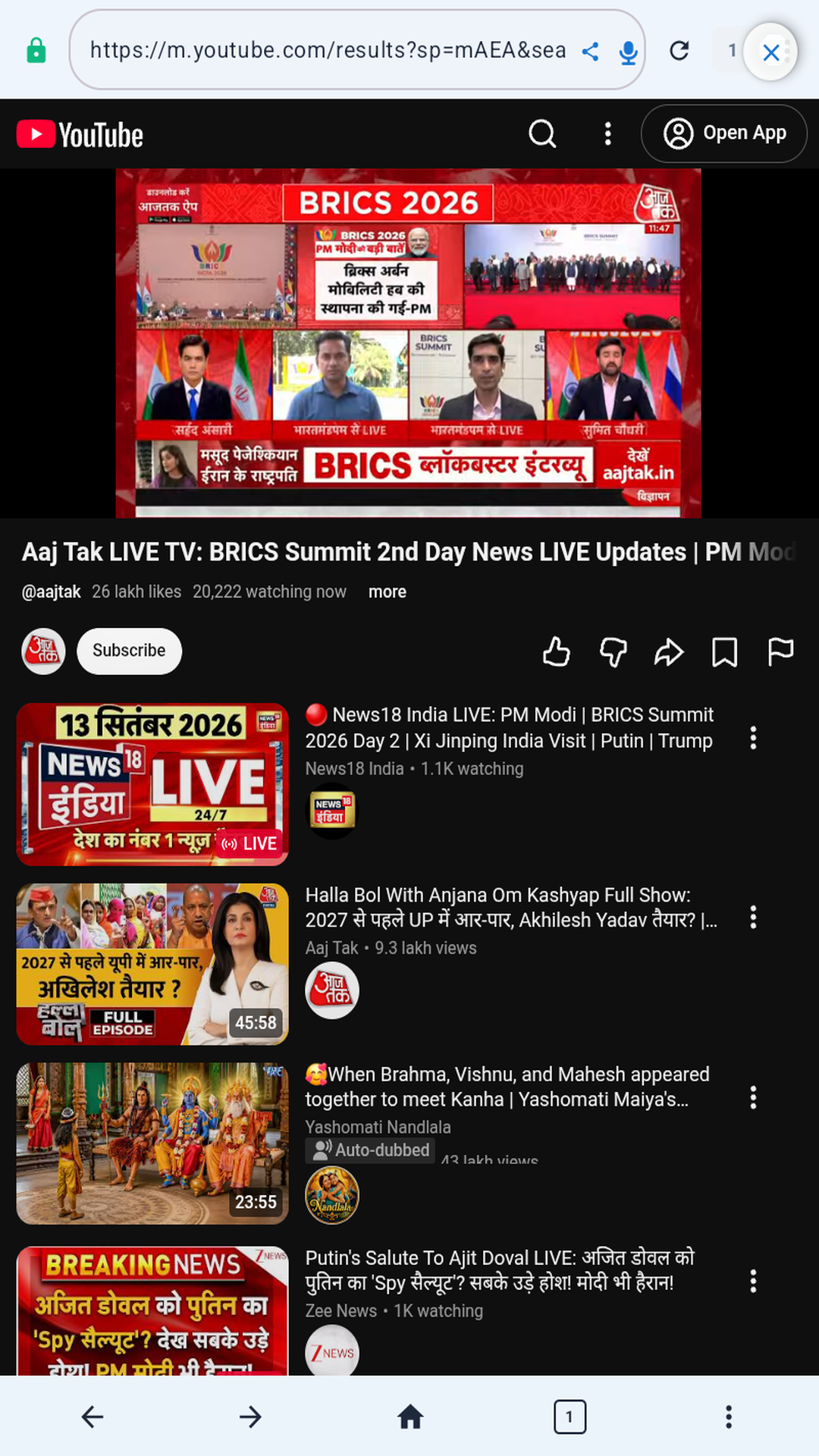
Biometric AES-256 Vault: Your Private Sandbox
Your private documents and personal media stay completely invisible to external apps and file managers. The RBD Private Vault stores encrypted files directly in a secure enclave guarded by Android KeyStore cryptography.
Unlock with your fingerprint, facial recognition, or device PIN. When you exit, the vault automatically locks and flushes decryption keys from memory.
Read Privacy Architecture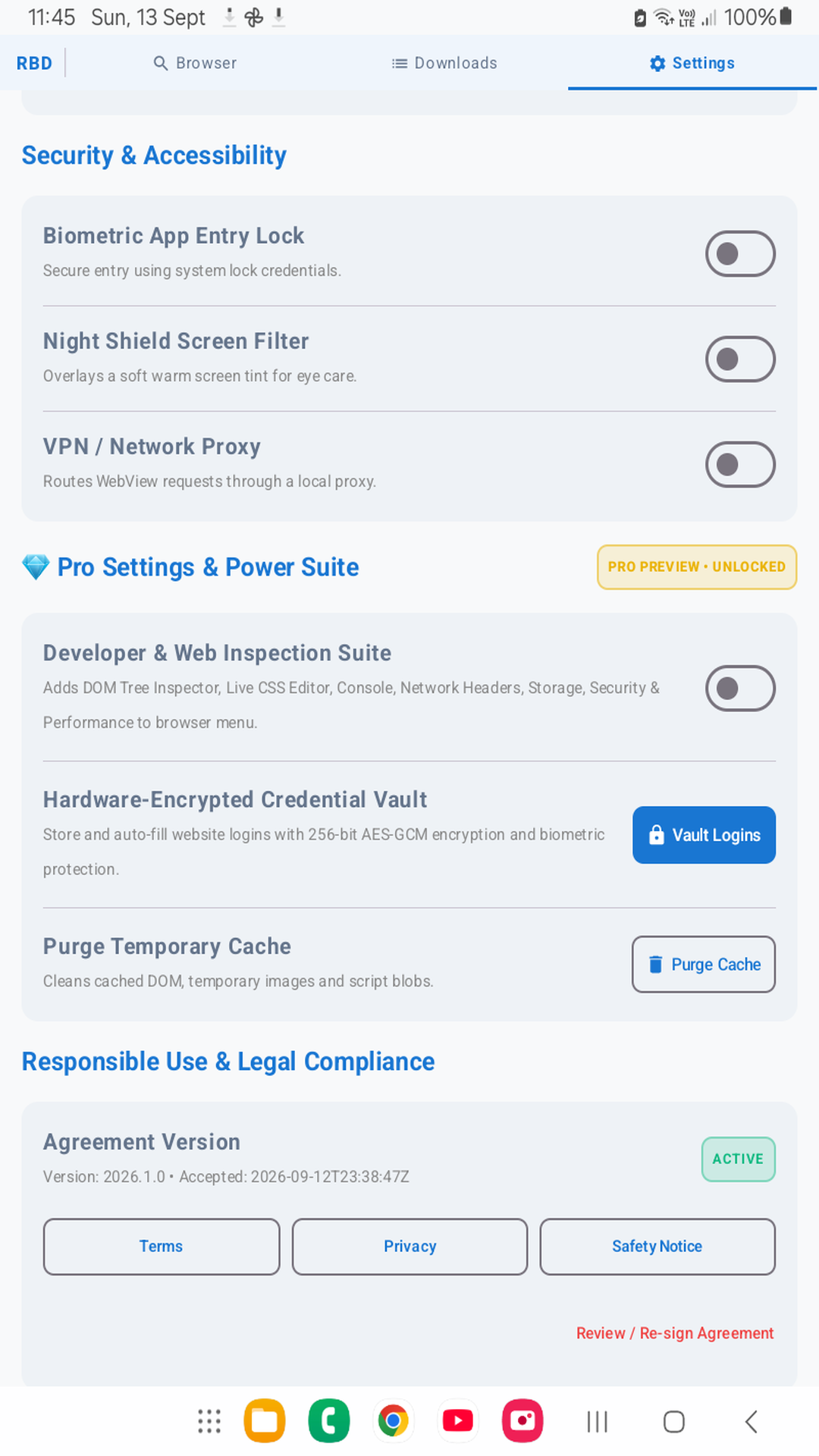
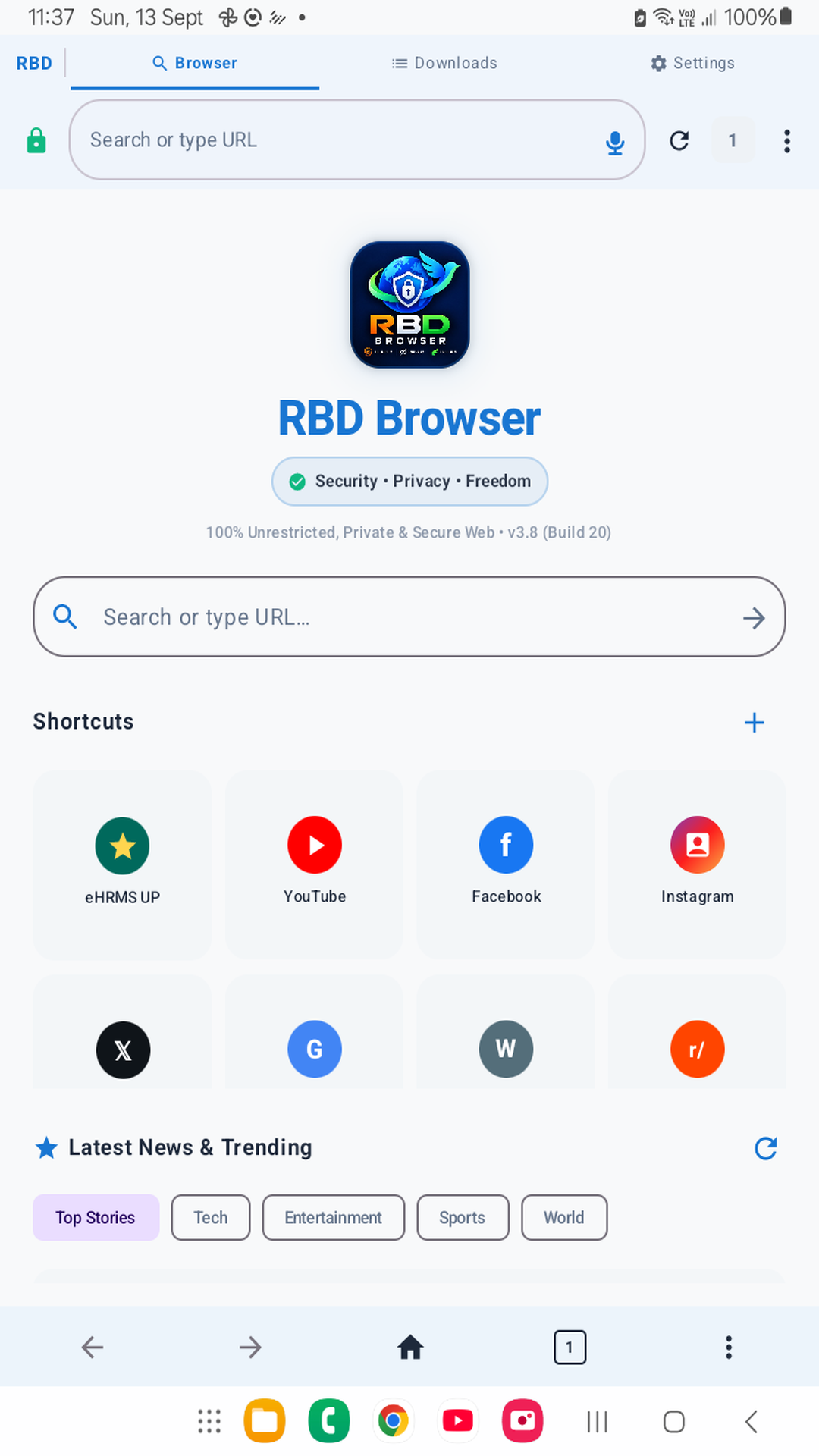
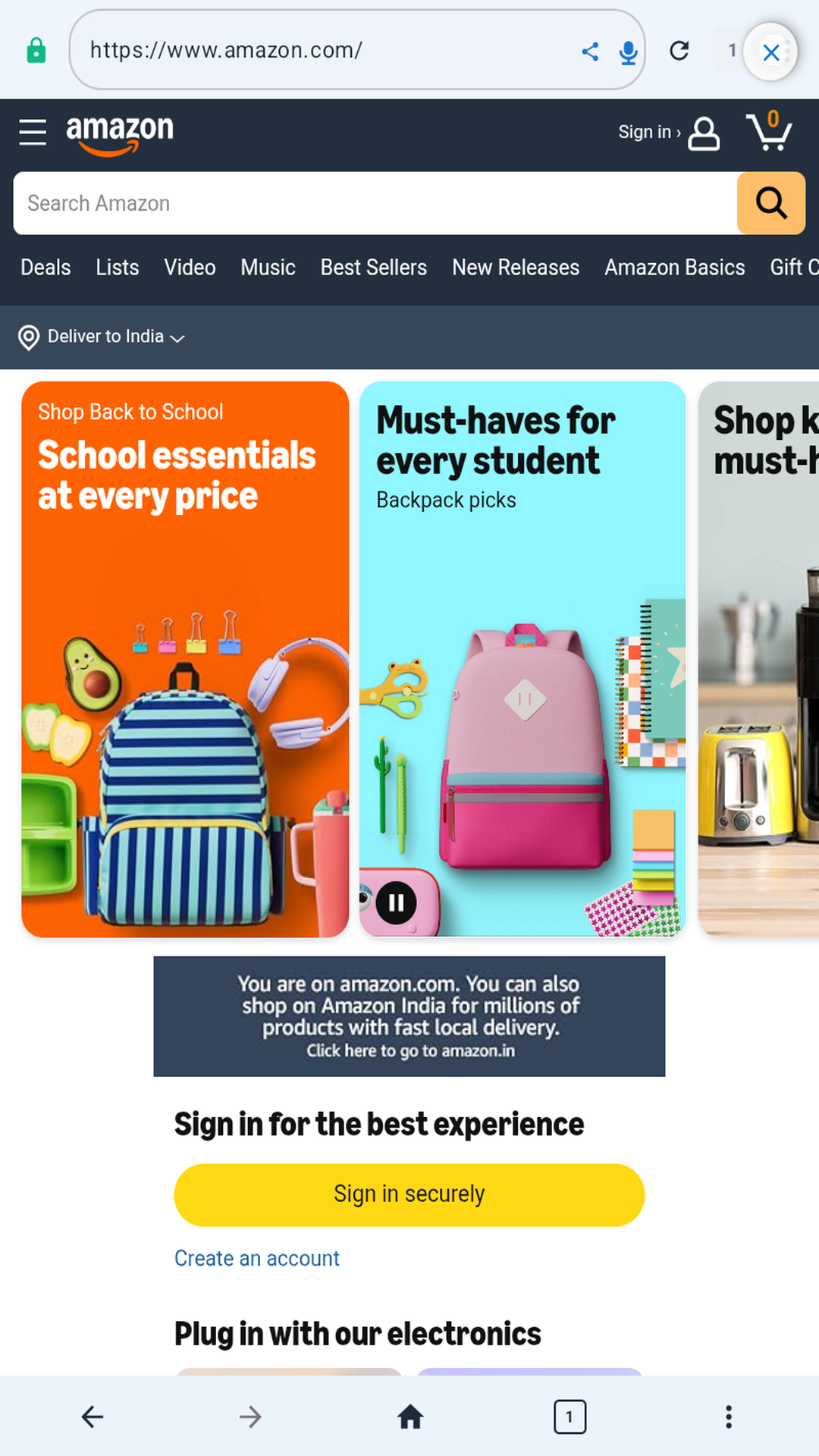
Crafted with Material 3 & Jetpack Compose
Take a look inside the clean, responsive user experience crafted for modern Android devices.
How Does RBD Browser Compare?
See why users choose RBD Browser over standard mobile web browsers.
| Feature | RBD Browser | Standard Mobile Browsers | Third-Party Downloaders |
|---|---|---|---|
| Multi-Threaded Parallel Downloads | ✓ Included (10x Boost) | ✗ Single-stream only | ✓ Yes (Often ad-heavy) |
| Built-in Ad & Tracker Blocker | ✓ Native (Zero battery drain) | ✗ No native ad blocking | ✗ Usually contains ads |
| Media Player with Swipe Gestures | ✓ Brightness/Volume HUD | ✗ Standard HTML5 player | ✗ External player required |
| Hardware-Backed Biometric Vault | ✓ AES-256 GCM KeyStore | ✗ Not available | ✗ Pin only (Unencrypted) |
| Lock Screen Background Audio | ✓ Full MediaSession bridge | ✗ Pauses in background | ✗ Not applicable |
| Zero Data Tracking & Analytics | ✓ 100% Local-only | ✗ Cloud analytics & sync | ✗ Ad SDK tracking |
Got Questions? We Have Answers.
Learn more about our features, compatibility, and the ongoing Google Play Closed Beta testing program.
Ready to Experience Next-Generation Browsing?
Join our authorized Closed Testing program on Google Play or share your direct feedback to help us build the fastest browser on Android.